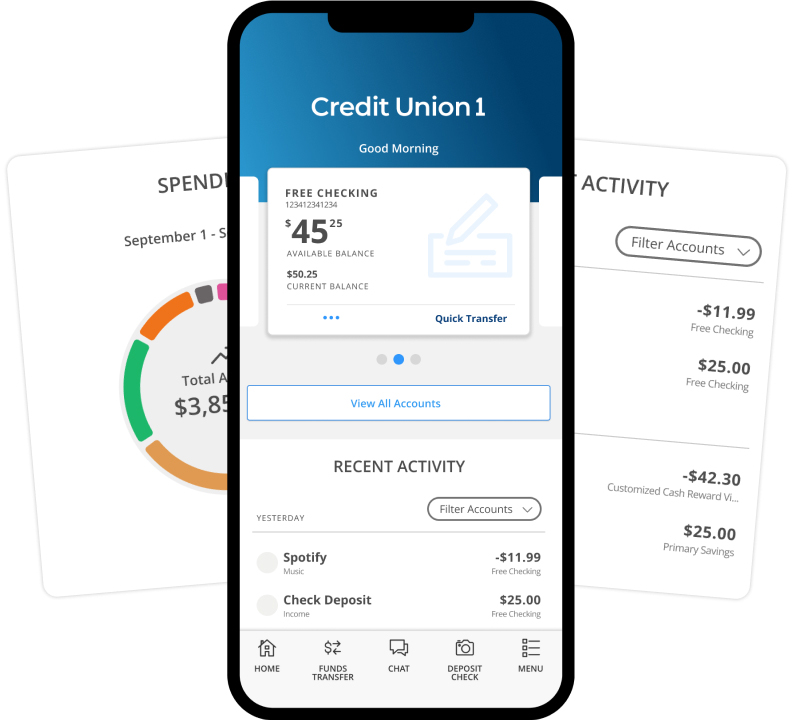
Getting Started with CU1 Digital Banking
CU1 Digital Banking centralizes all of your accounts under one log in. Each member should have their own set of unique log-in credentials, even if they are a joint owner on accounts. How you access Digital Banking for the first time will be determined by whether you are a primary account holder or a joint account holder. If you are not sure, please reference your Great River account statement. The primary account holder is the only name listed on the statement.
Primary Account Holders
If you previously had log-in credentials for Great River’s online banking platform, you will use those same credentials to log in to CU1 Digital Banking. Starting October 2nd, you can register for CU1 Digital Banking. To get started:
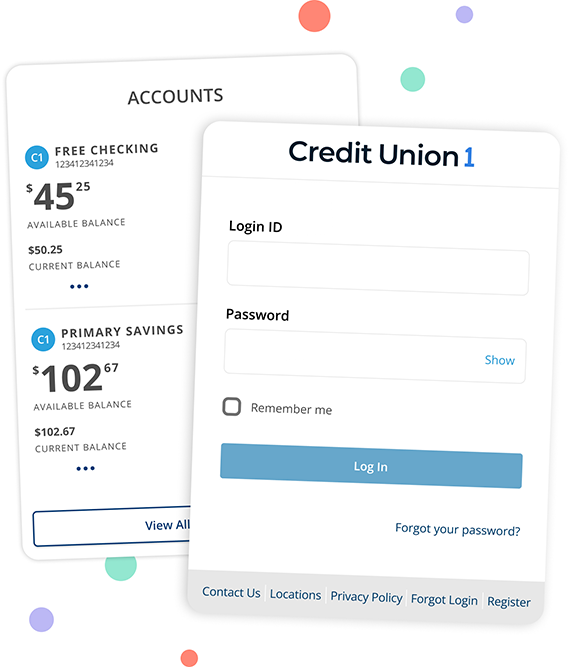
- Tap the green Log In button in the upper right-hand corner of the Credit Union 1 site, or download the CU1 Mobile Banking app.
- Enter your Great River Online Banking username and password. If you have forgotten your password, please select Forgot Password.
- Select to receive your secure access code by email or text. This code will be sent to the email address or phone number on file with Great River.
- Enter the secure access code when you receive it.
- You will now be prompted to create a new password for CU1 Digital Banking.
- Tap Register Device to show it is your personal device.
- You can now log in to CU1 Digital Banking with your CU1 credentials.
- If you were previously enrolled in Bill pay, you will be automatically enrolled in CU1 Bill Pay. Internal transfers will also be migrated to CU1 Digital Banking. External Transfers will not be migrated to CU1 Digital Banking and will need to be set up again.
If you did not have Great River online banking credentials, you will start a new registration for CU1 Digital Banking. Beginning October 2, register here or watch a How-To video that details the steps to enroll in Digital Banking.
Joint Account Holders
Joint account holders will need to start a new registration for Digital Banking. You will have your own set of unique log-in credentials. Please use a different username than your previous shared Great River online banking username. Beginning October 2, register here. You can also watch a How-To video that details the steps to enroll in Digital Banking.
Once you are registered for Digital Banking:
- Enroll in Bill Pay. Existing Bill Pay from your Great River account will be seen under the Primary Account Holder's log in.
- Review automatic transfers. All prior internal transfers will be seen under the Primary Account Holder's log in.
- Confirm your contact information. Select Settings and then Contact Information from the main menu.
- Review and set up custom account alerts.